Prerequisite: You must have a Salesforce ADMIN account to reset passwords for committee members or for AFDO members.
1
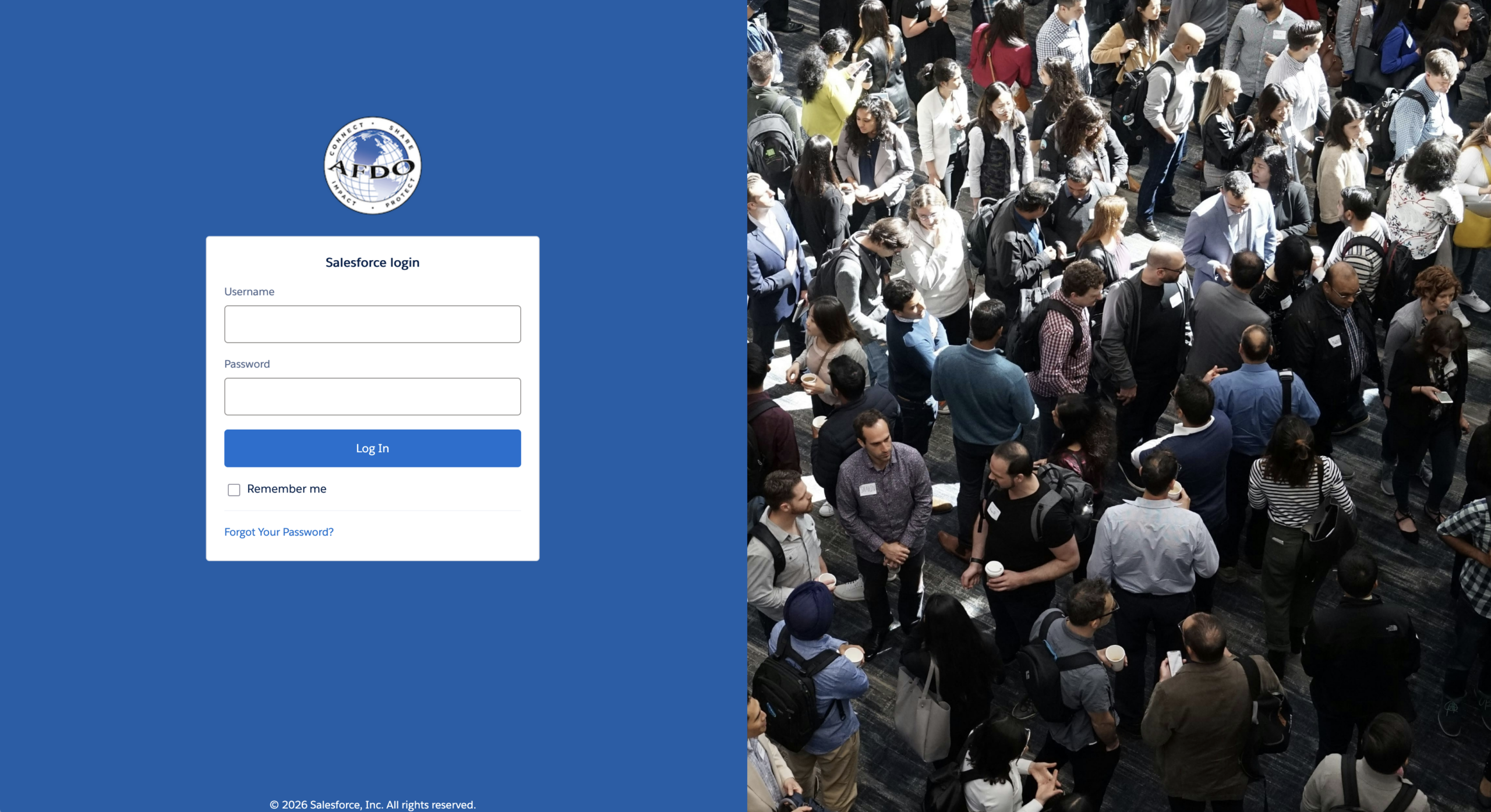
Login to AFDO’s Salesforce dashboard
- Navigate to https://afdo.my.salesforce.com/
- enter you email address in the username field
- enter your password, in the password field
- Click the LOG IN button
2
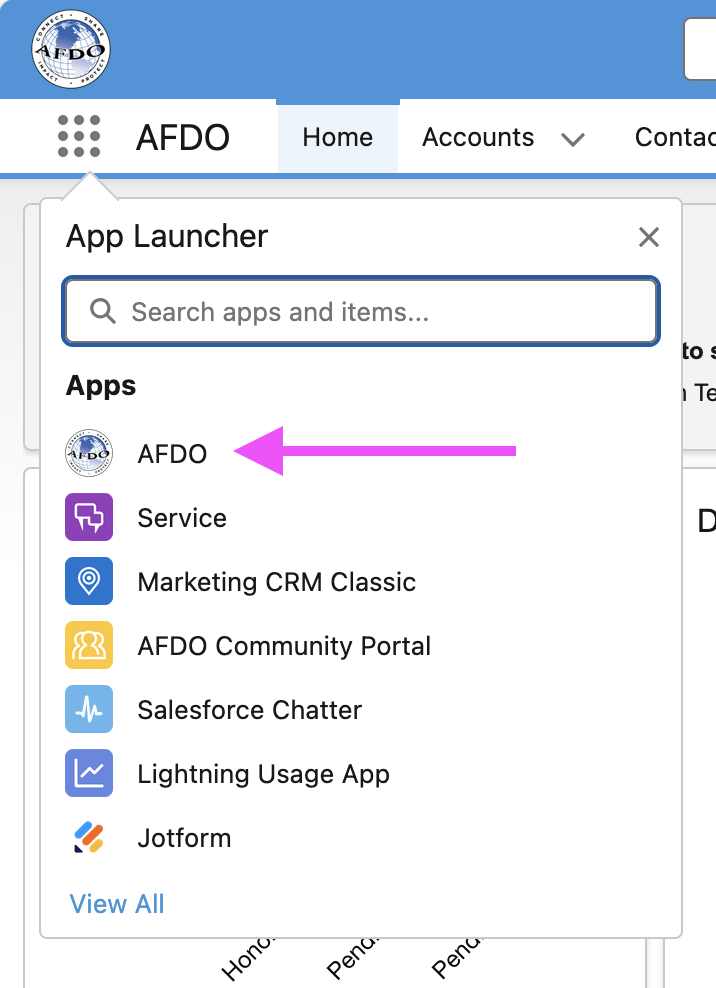
Open the AFDO app
- In the upper left corner, click the 9-dot App Launcher menu below the AFDO logo
- then select “AFDO” in the app menu
3
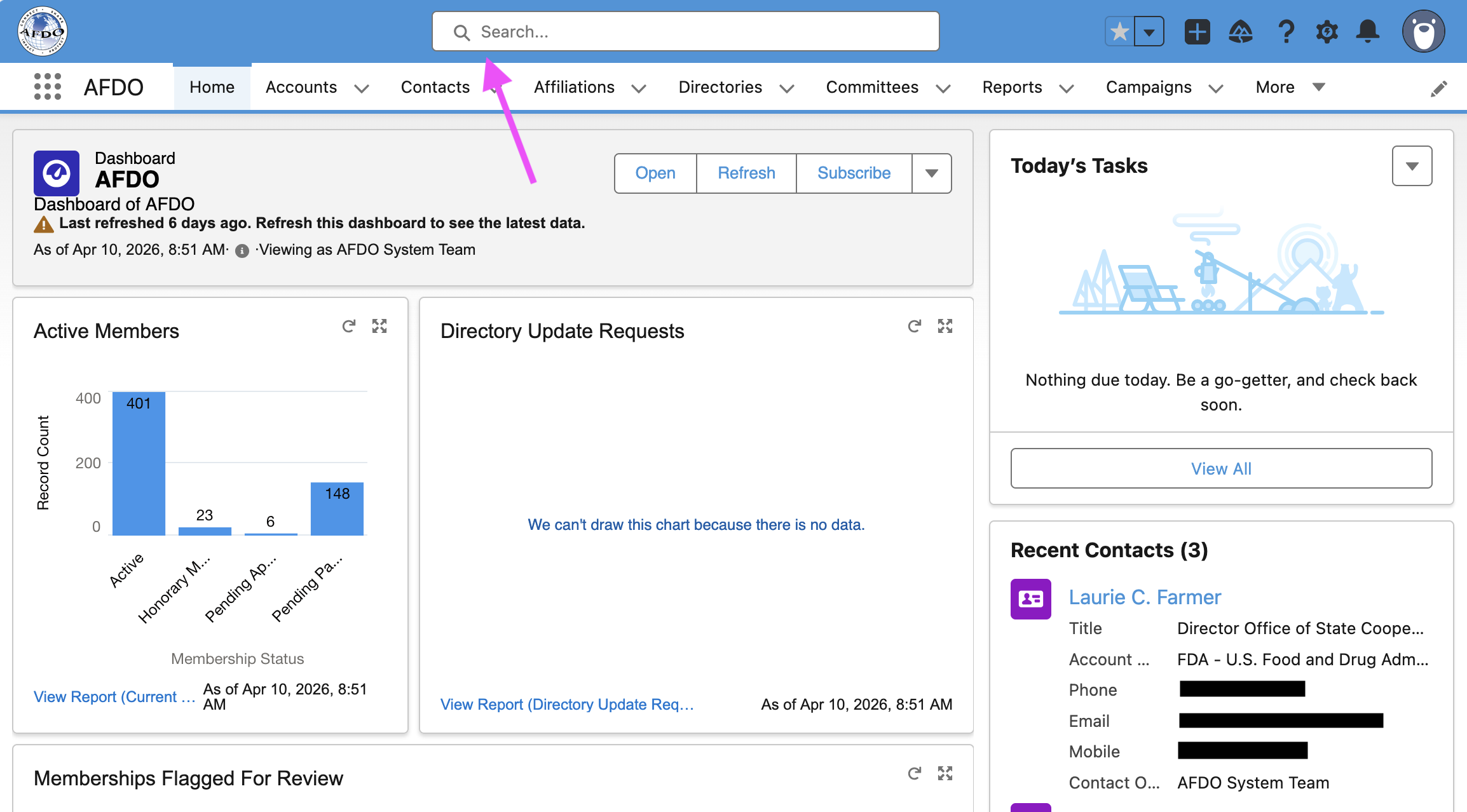
Search for the member
- Use the search bar at the top of the screen and enter the member’s name.
4
Open the member’s Contact record
- On the contact page, look for the action bar in the upper right
- click the down arrow to reveal additional options
- select Enable Customer User.
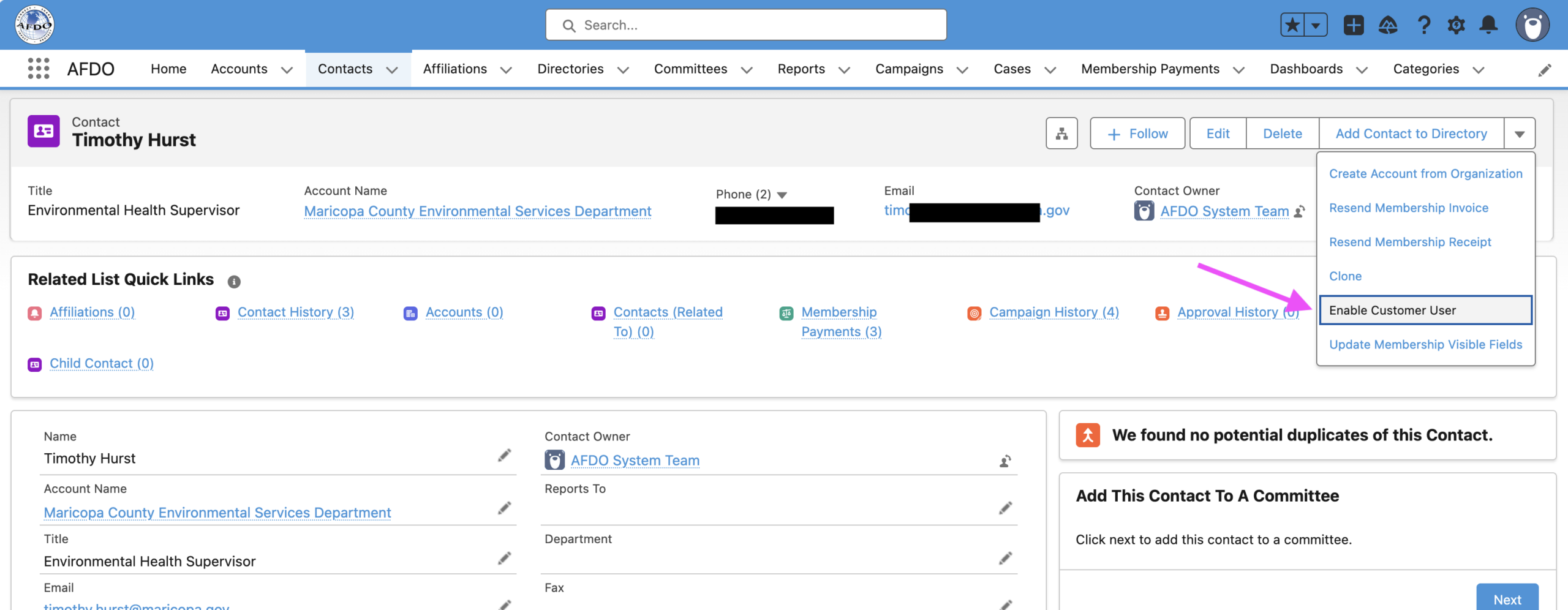
If you don’t see “Enable Customer User” in the dropdown, either the user doesn’t have an active membership or they already have a community login (possibly under a different email address). Stop here and contact AFDO’s salesforce administrator for help.
5
Set the User License
- The New User screen will load with the contact’s information pre-filled.
- Find the User License field
- Select AFDO Community User from the dropdown
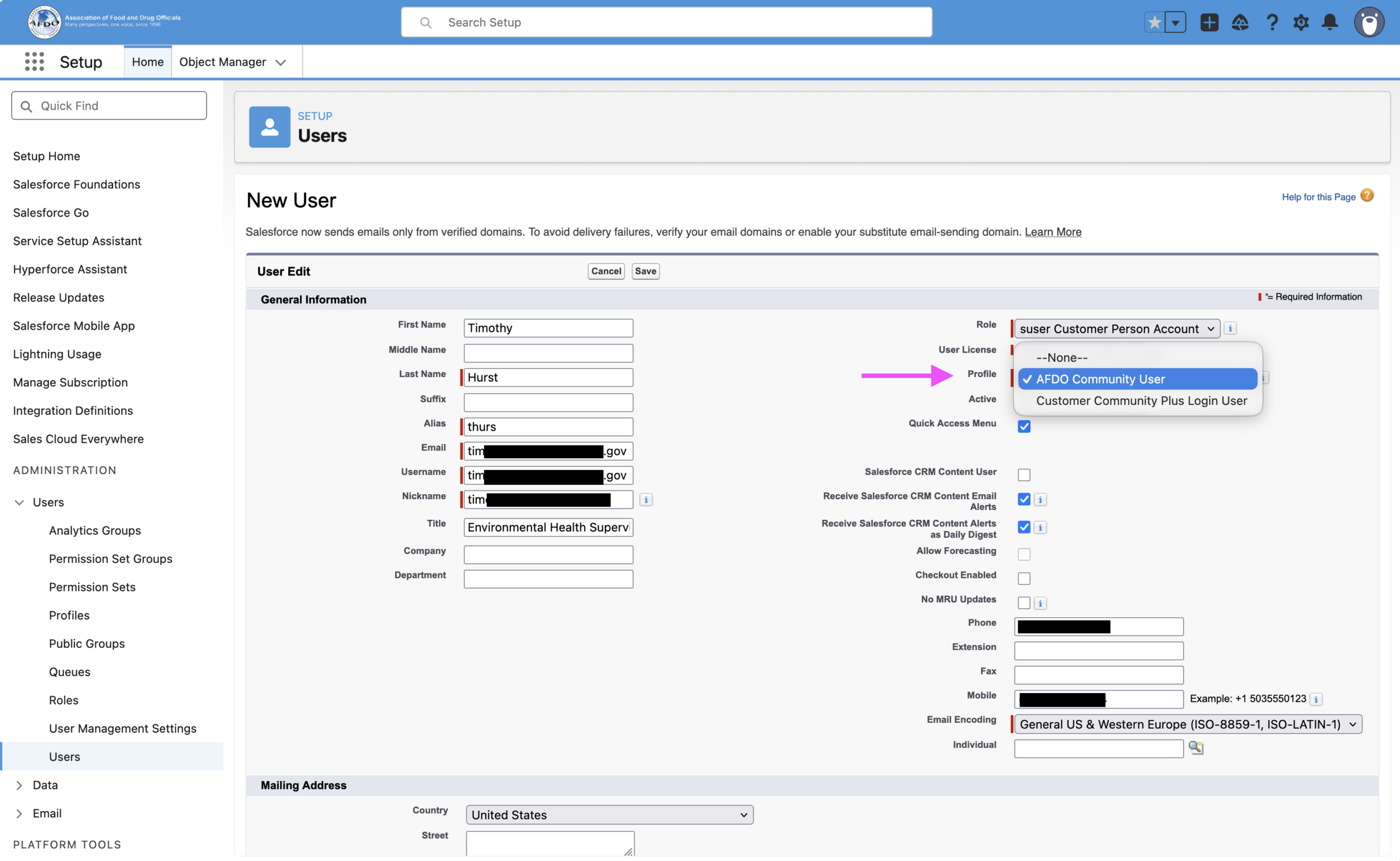
Do not select “Customer Community Plus Login User” ~ that’s a different license type and will not give the member access to the AFDO community as a member.
7
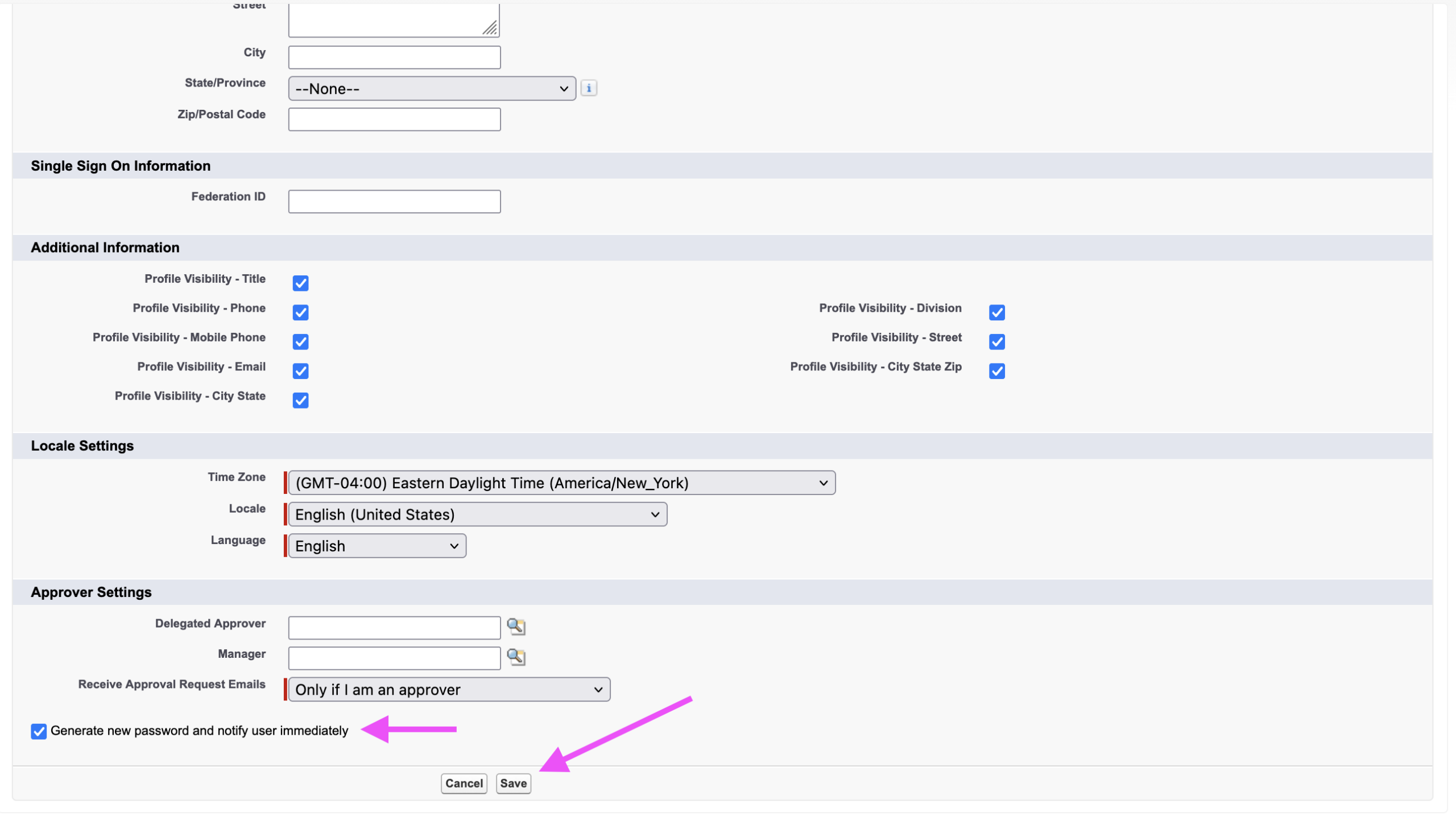
Enable the welcome email
- Scroll to the bottom of the screen
- Confirm the Generate new password and notify user immediately checkbox is selected
8
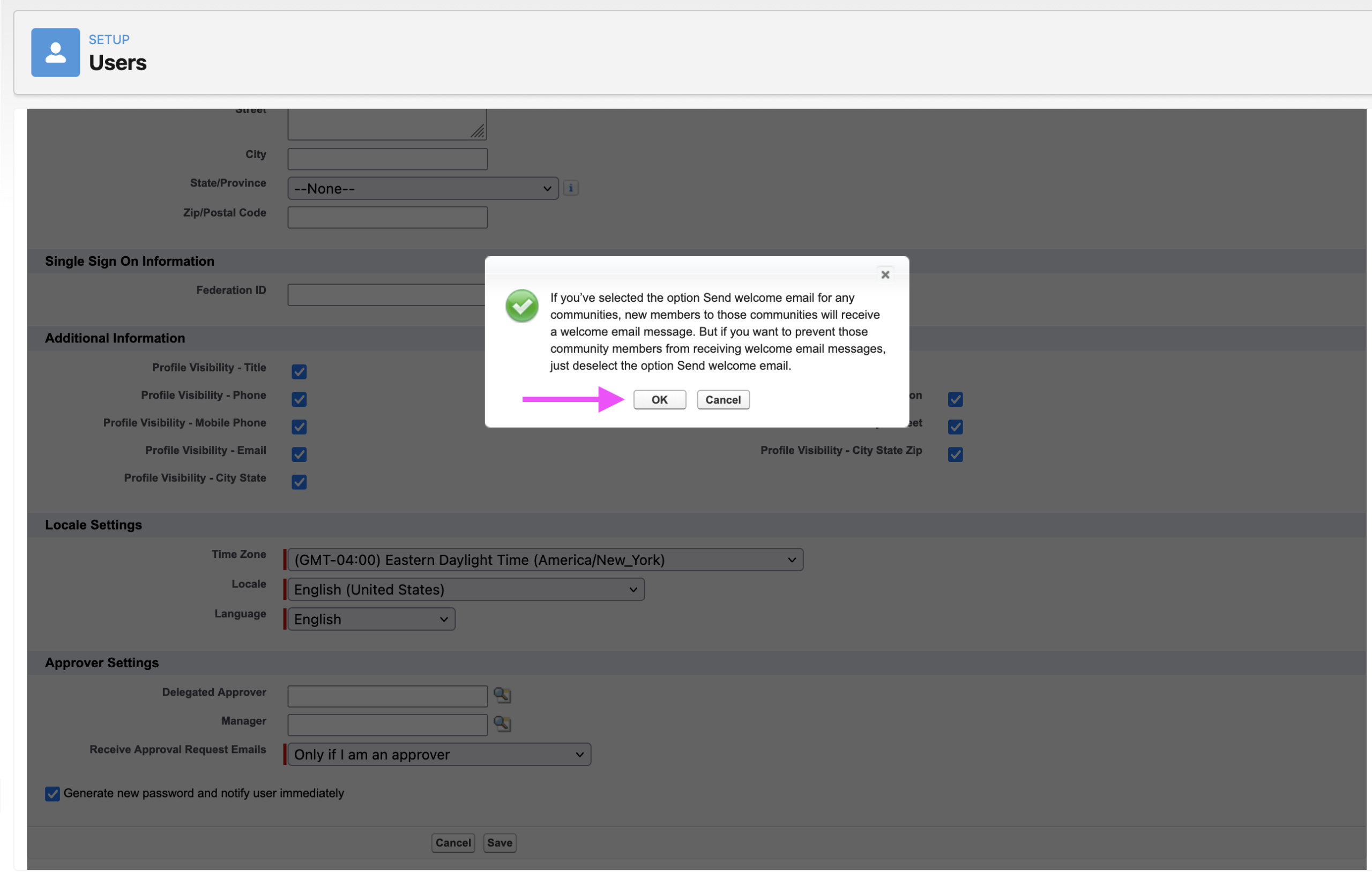
Save and confirm
- Click Save at the bottom of the screen
- A confirmation pop-up will appear asking you to confirm the welcome email
- Click OK
That’s it
The member will receive a welcome email with a link to set their password and access the AFDO community. The link typically expires within 24 hours — if the member doesn’t act on it in time, you’ll need to trigger a password reset from their User record in Setup.
Troubleshooting
- Member didn’t receive the email: Check their spam folder first. If nothing, verify the email address on their Contact record is correct, then trigger a password reset from Setup → Users.
- “Enable Customer User” option is missing: You’re not logged in as an admin, or the contact is missing a required field (usually email). Verify both.
- Member already has a user record: You’ll see an error on save. They don’t need a new login — they need a password reset instead (view instructions here).