(video: 1 minute)
Navigating the login process on the HPC website involves several key steps.
1. Introduction
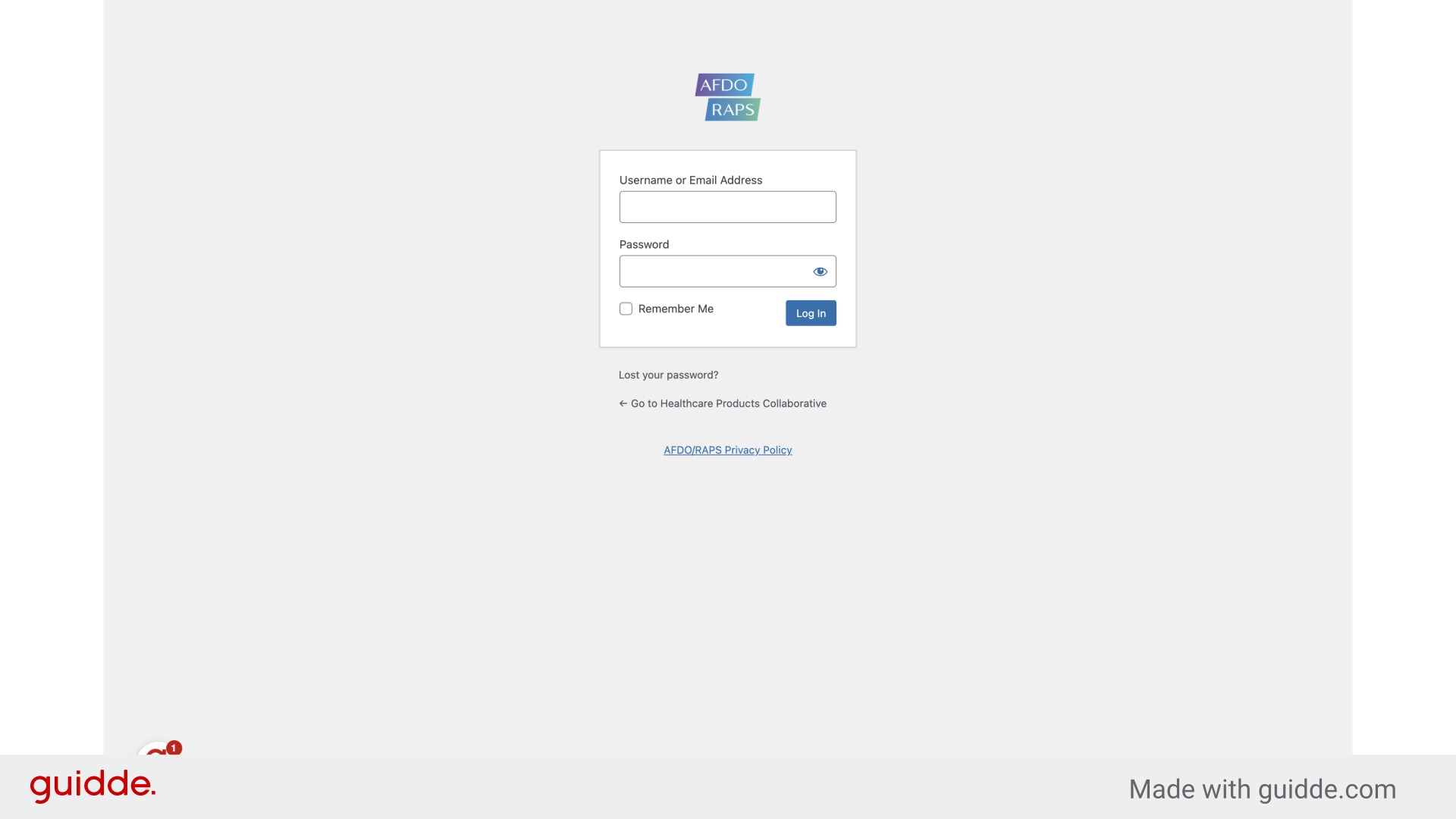
Once you arrive at the HPC website you need to navigate to the login screen.

2. Access the login screen
You can access the login screen by entering “https://healthcareproducts.org/wp-admin/” into your web browser
3. Enter username and password, then click “Log In” button
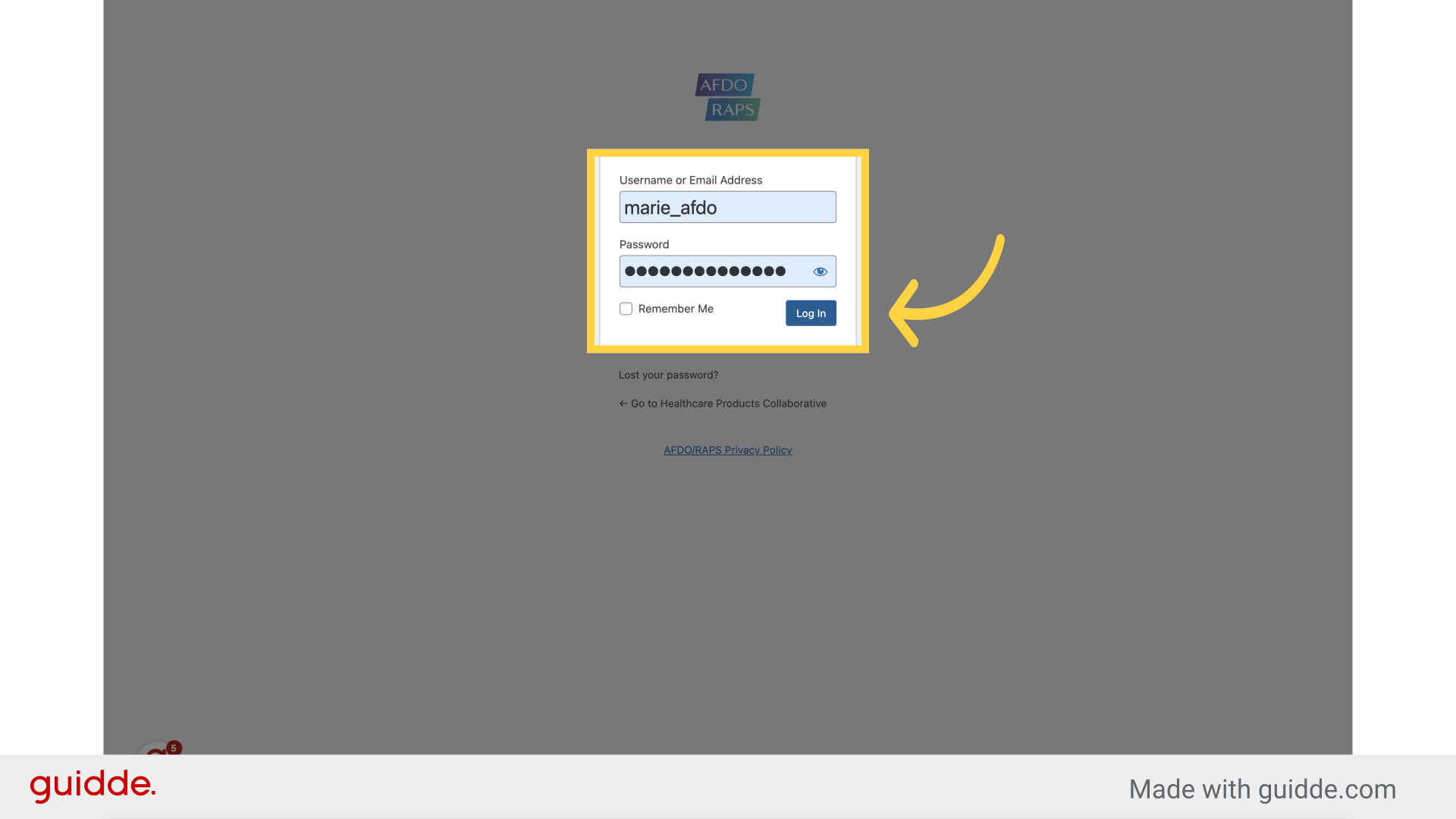
Next, enter your username (or email address), as well as your password. Proceed by clicking on the “Log In” button.
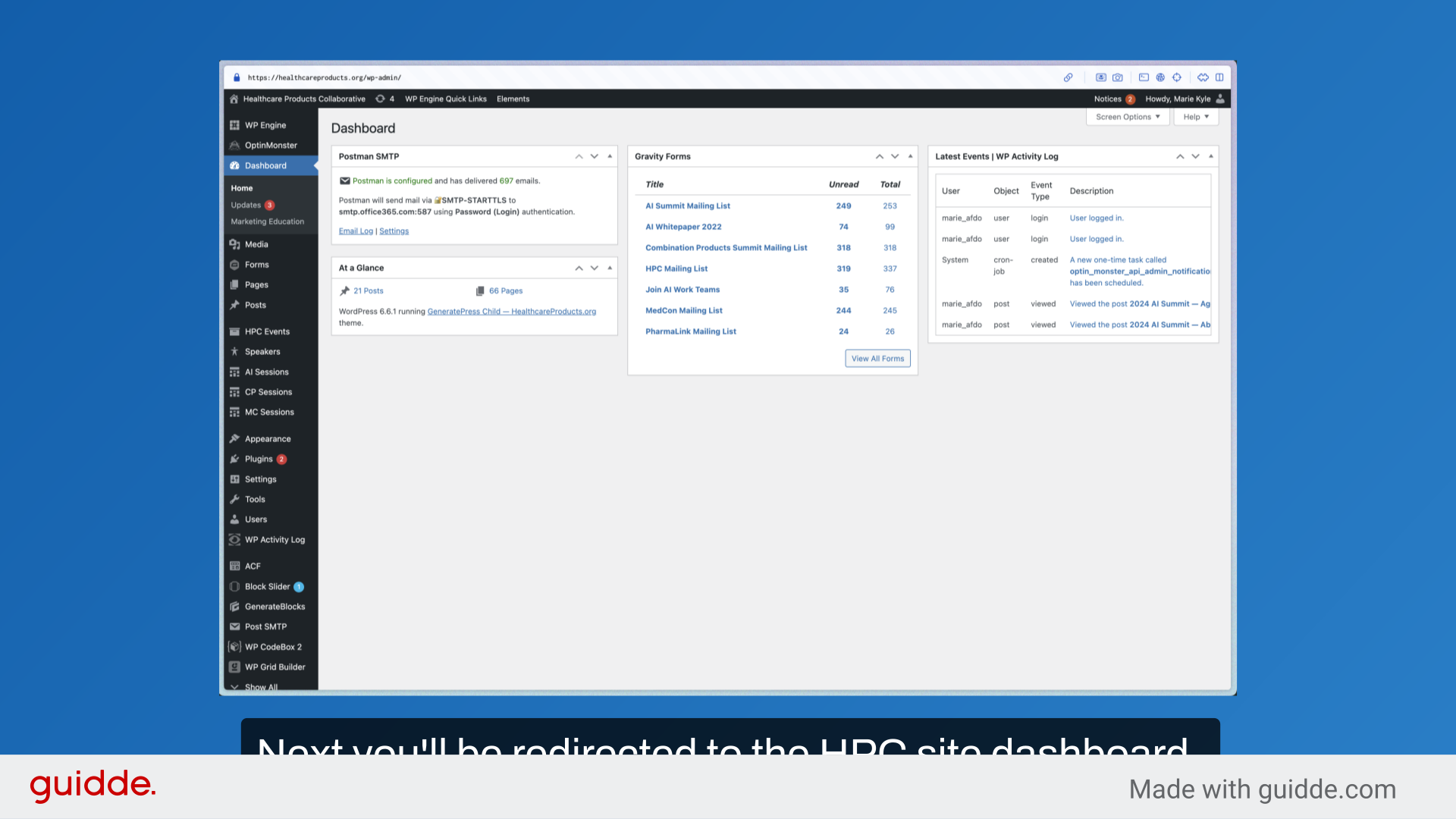
4. Next you’ll be redirected to the HPC site dashboard.
Next you’ll be redirected to the HPC site dashboard. From here you can edit event agendas, speakers, and pages as needed.
This guide covered essential steps to successfully access the HPC website dashboard, including entering your username, password, and accessing the login page.