There are two types of page layouts available when creating an A-to-Z resource page:
Link Page
A pre-defined layout that displays a page title, description, featured image, and an organized list of links .
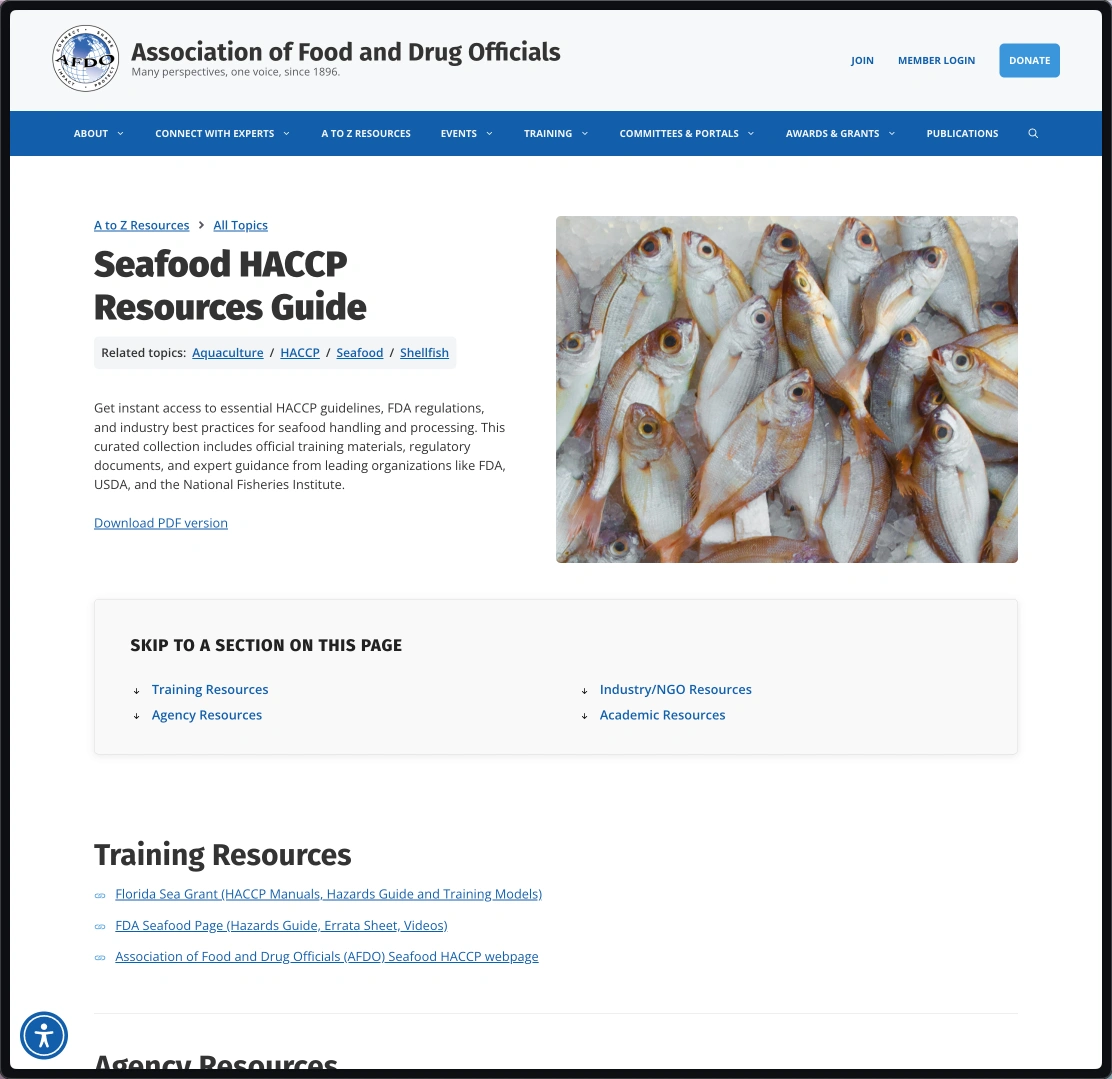
Basic Page
A flexible layout with no restrictions on the types of content that can be added, including text, images, or videos.
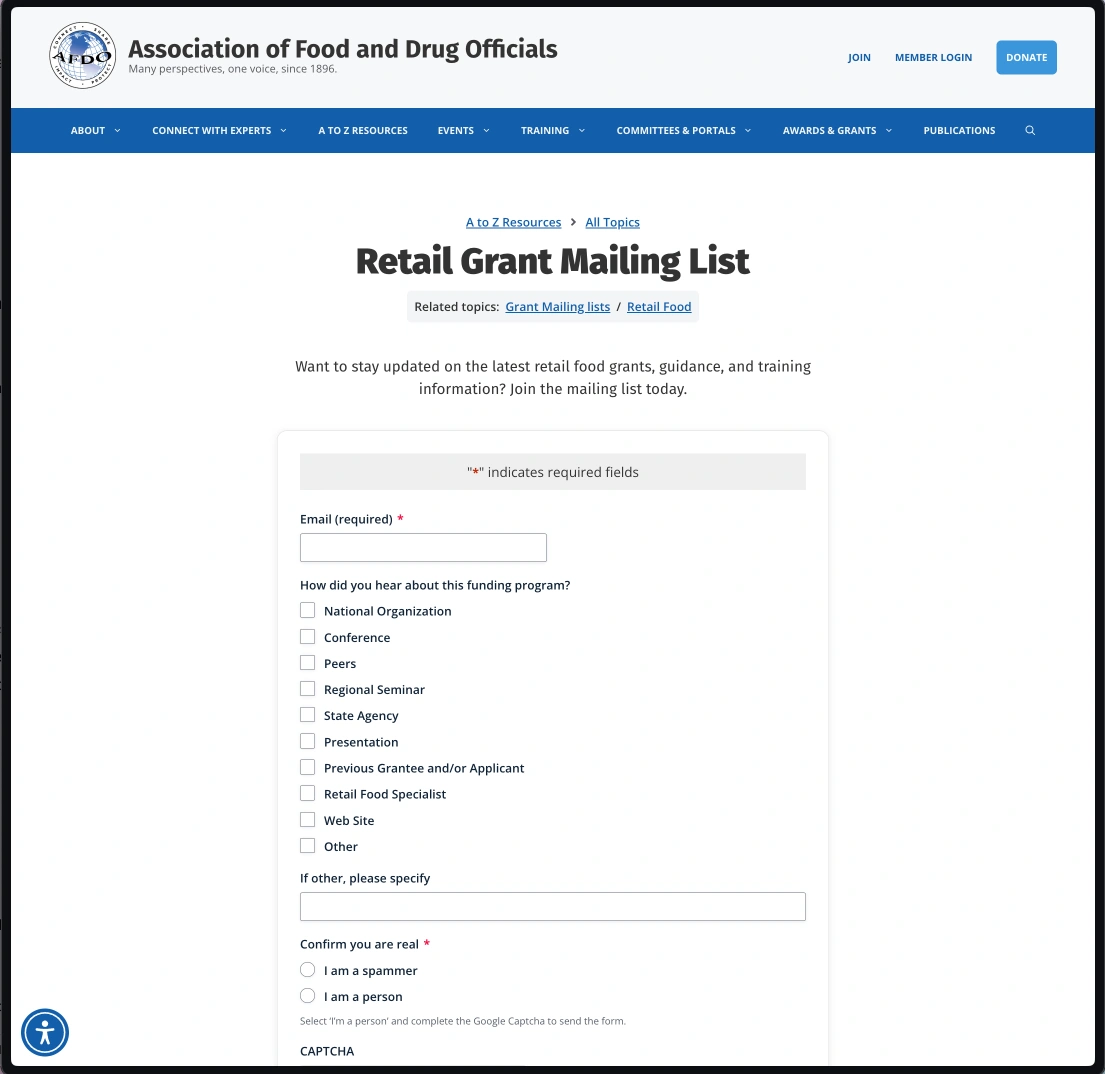
You can view tutorials for each page type below:
How to Add a New A to Z Resources page (link layout)
(length – 4:30 mins)
How to Add a New A to Z Resources page (basic layout)
(length – 2:30 mins)